Skip to content
  • Features
  • Pricing
  • FAQs
  • Contact
Features
Pricing
FAQs
Contact
  • Sign in access your account
  • Get started Get your free trial now!
  • Support center
  • Documentation
  • Sign in access your account
  • Get started Get your free trial now!
  • Support Center
  • Documentation
Get Started

Labels

Settings

  • General Settings
    • General
    • Appointment Statuses
    • Booking Limit Manager
  • Front-end Panels
    • Booking Steps
    • Labels
    • Customer Panel
    • Rating Form
  • Payment Settings
    • General
    • Payment Methods
  • Company details
  • Profile Settings
    • Profile Details
    • Change Password
    • Delete Account
  • Business Hours
  • Holidays
  • Integrations Settings
    • Telegram Bot
    • Google Calander
    • Zoom
Home / Settings / Front-end Panels / Labels
Last updated on February 10, 2026

Labels

Labels

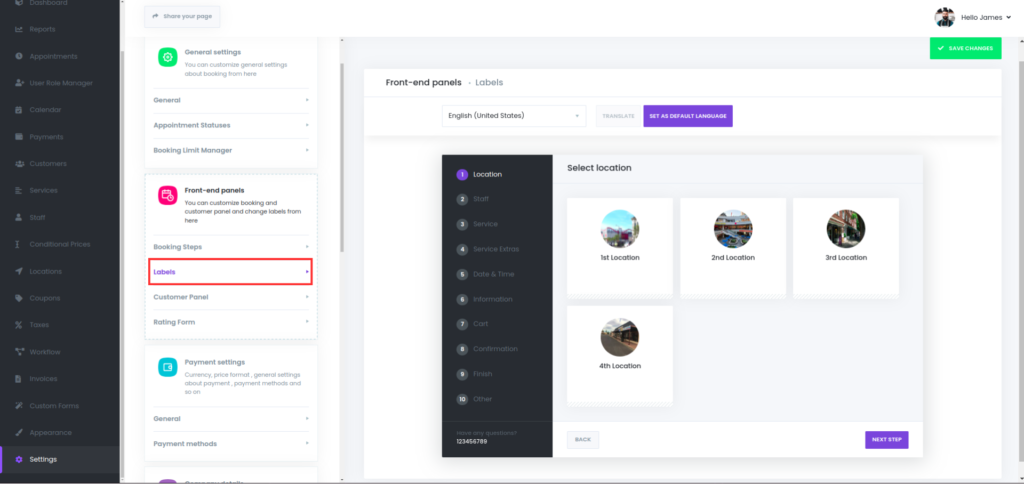
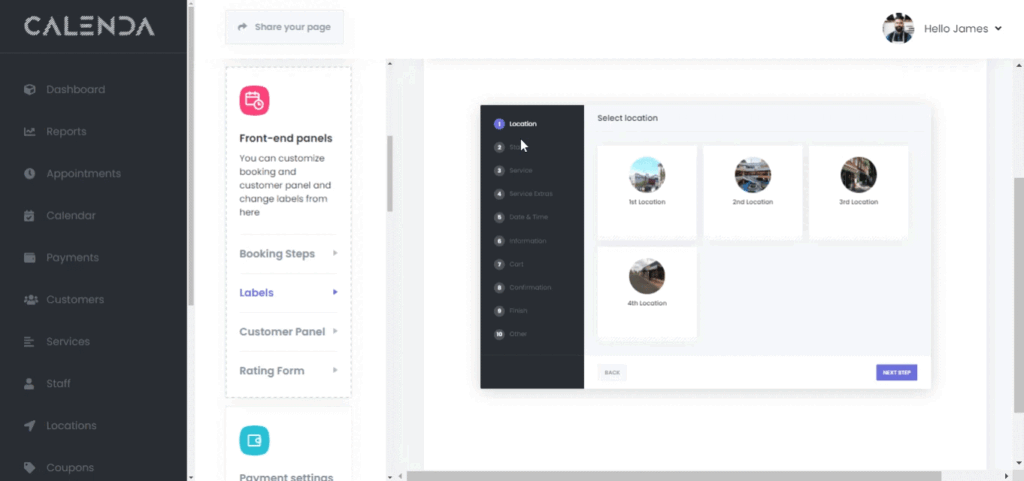
You can edit the content of the page and adjust button names as desired.

← Booking StepsCustomer Panel →

Was this article helpful?

Recent Posts

  • Why the Best Appointment Booking Software in Egypt is Your Next Growth Engine
  • The Ultimate Guide to Business Automation Tools in Egypt (2026 Edition)
  • How to Increase Appointments by 30% Using Smart Automation

Recent Comments

No comments to show.

Archives

  • February 2026
  • February 2025

Categories

  • Automation
  • Blog
Calenda8-09

Empowering your business with seamless booking management through innovative automation.

Resources
  • Support center
  • Documentation
  • Blog
Company
  • About us
  • Contact us
  • Resources
Social
  • Facebook
  • Linkedin

© 2026 Calenda. All Rights Reserved.

  • Privacy Policy
  • Terms of Service