Skip to content
  • Features
  • Pricing
  • FAQs
  • Contact
Features
Pricing
FAQs
Contact
  • Sign in access your account
  • Get started Get your free trial now!
  • Support center
  • Documentation
  • Sign in access your account
  • Get started Get your free trial now!
  • Support Center
  • Documentation
Get Started

Labels

Documentation

Settings

/
  • General Settings
    • General
    • Appointment Statuses
    • Booking Limit Manager
  • Front-end Panels
    • Booking Steps
    • Labels
    • Customer Panel
    • Rating Form
  • Payment Settings
    • General
    • Payment Methods
  • Company details
  • Profile Settings
    • Profile Details
    • Change Password
    • Delete Account
  • Business Hours
  • Holidays
  • Integrations Settings
    • Telegram Bot
    • Google Calander
    • Zoom
Home›Settings›Front-end Panels›Labels

Labels

Updated February 10, 2026

Labels

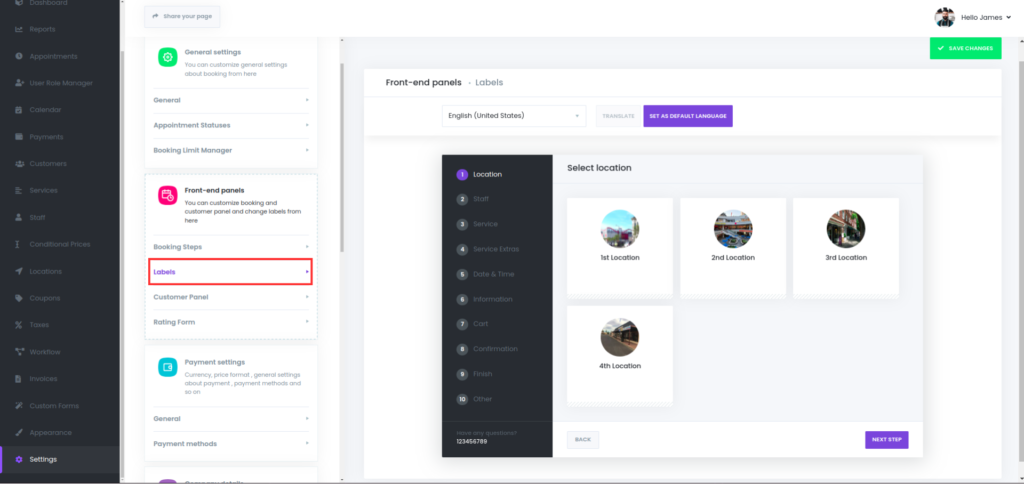
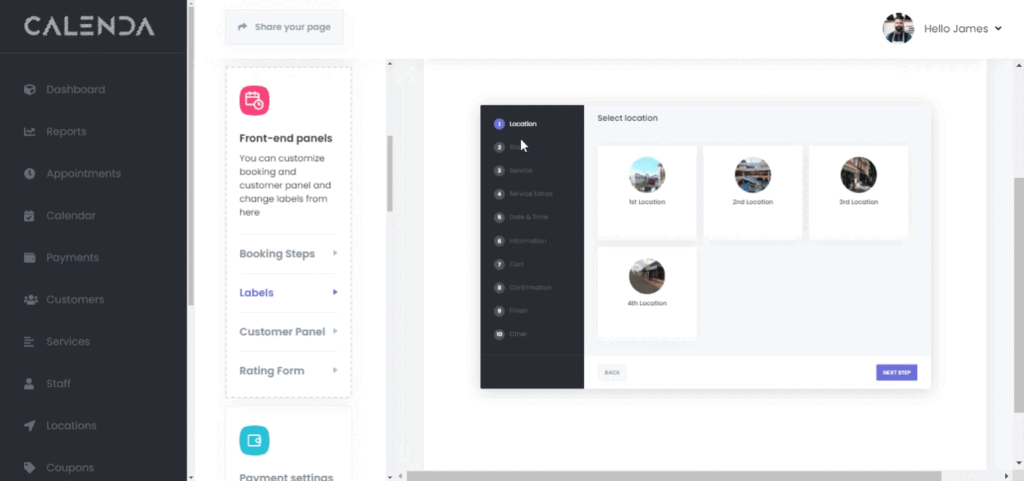
You can edit the content of the page and adjust button names as desired.

PreviousBooking StepsNextCustomer Panel

Was this article helpful?

Recent Posts

  • Why the Best Appointment Booking Software in Egypt is Your Next Growth Engine
  • The Ultimate Guide to Business Automation Tools in Egypt (2026 Edition)
  • How to Increase Appointments by 30% Using Smart Automation

Recent Comments

No comments to show.

Archives

  • February 2026
  • February 2025

Categories

  • Automation
  • Blog
Calenda8-09

Empowering your business with seamless booking management through innovative automation.

Resources
  • Support center
  • Documentation
  • Blog
Company
  • About us
  • Contact us
  • Resources
Social
  • Facebook
  • Linkedin

© 2026 Calenda. All Rights Reserved.

  • Privacy Policy
  • Terms of Service