

Profile Details
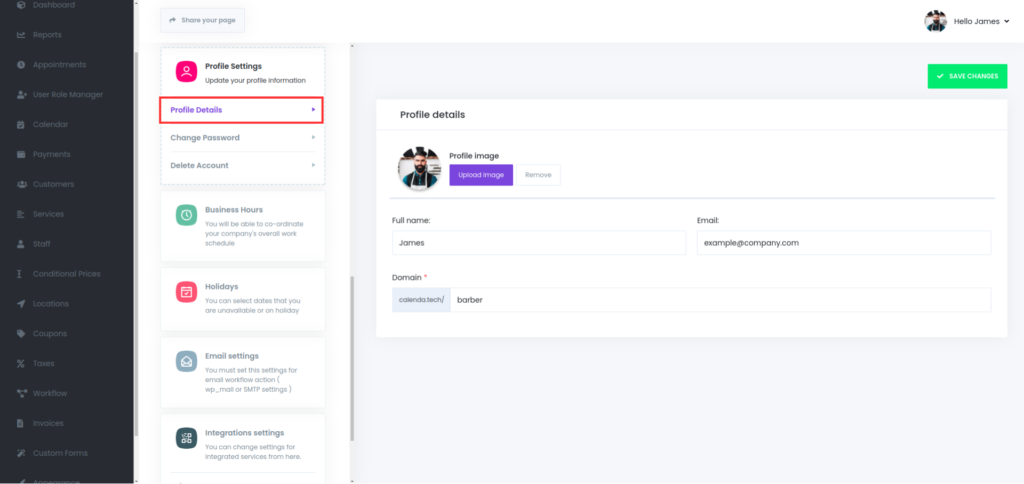
Profile Image:
- Two buttons are provided:
- Upload Image: A purple button allowing the user to upload a new profile picture.
- Remove: A button that presumably removes the current profile image.
Full Name:
- The user’s full name is displayed in a text field, which is set as James. This field can likely be edited.
Email:
- The user’s email is shown as example@company.com in a text input field, indicating it can also be modified.
Domain:
- The domain is presented with a URL label. The domain is partially filled with “booking.calenda.tech/”, followed by an editable field with the value barber.
Was this article helpful?